 Rasel Mail
The free plan and your custom subscription
Account resources, monthly totals and manual activation.
Editorial update: October 30, 2026In this guide
Free plan
One permanent mailbox, 512 MB of storage and up to 10 aliases across the account. Custom domains, team sharing and external integrations are excluded from the free plan. Temporary mail is separate. Legacy accounts under review retain a distinct state instead of silently receiving new limits.
The subscription screen
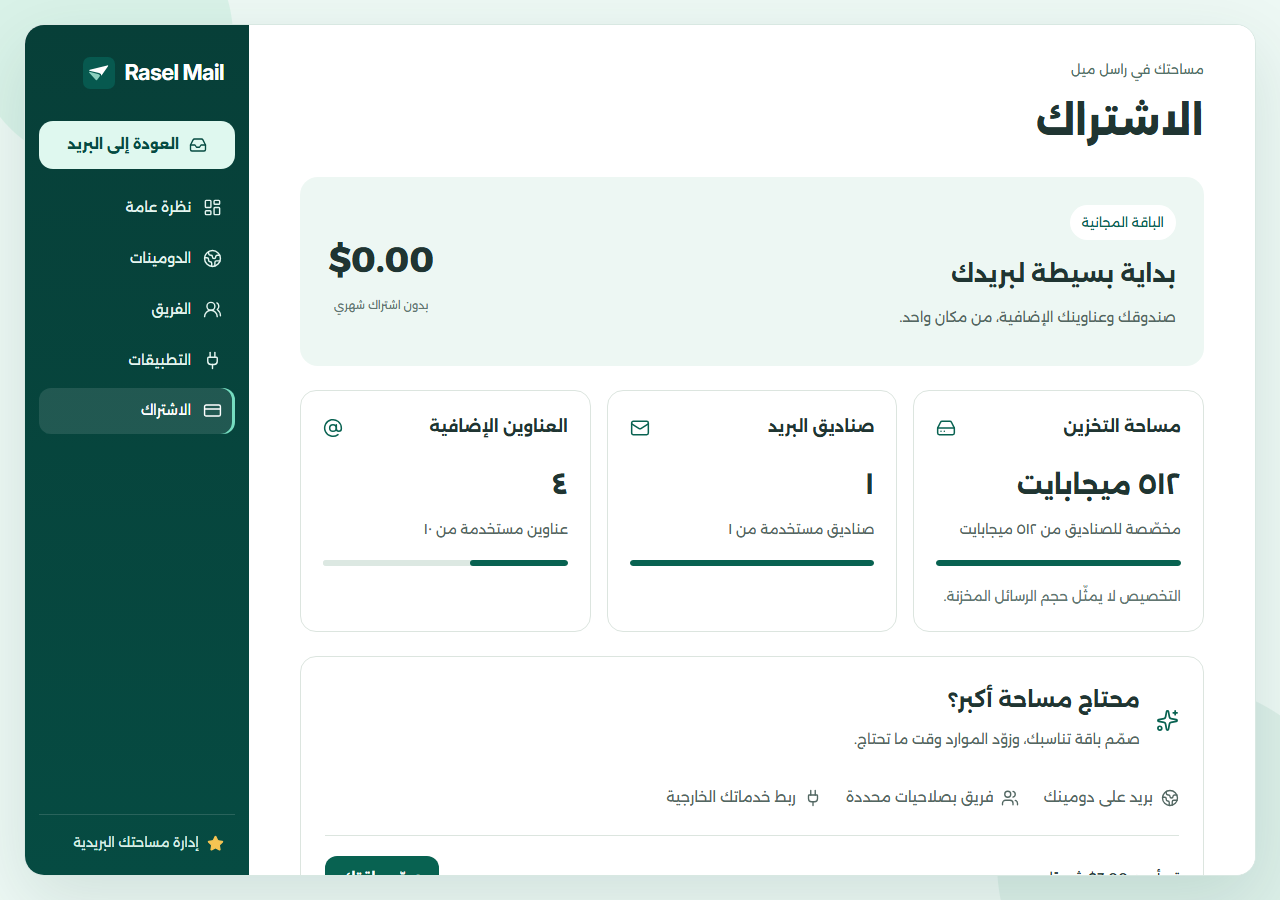
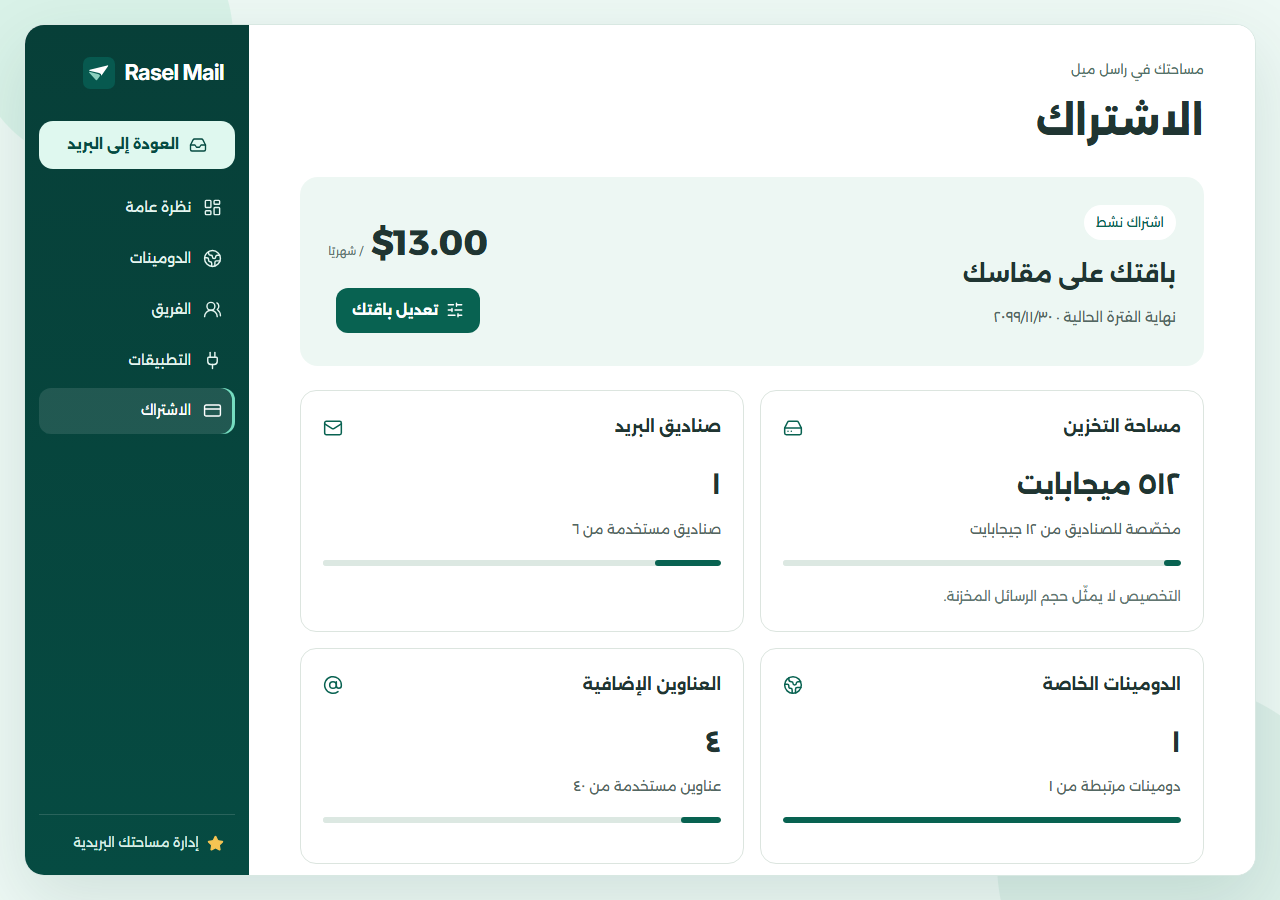
Design a paid plan
- Open Control Panel → Subscription, then choose Design your plan or Edit your plan.
- Choose account storage, mailboxes, domains and aliases. Storage and aliases belong to the whole account, not to each mailbox.
- Review the monthly USD total and submit the request. Submission does not charge you or activate resources.
- The subscription is activated manually after payment confirmation. Track the request in subscription history.
Change an active subscription
A resource change to an active paid plan takes effect at the next renewal after confirmation. Current resources remain until that date. A reduction must fit already allocated resources without automatically deleting messages. An existing scheduled change or pending request prevents a parallel request from the same screen.