 Rasel Mail
Read conversations and quoted history
Understand message cards, quoted history and original-message recovery.
Editorial update: October 30, 2026In this guide
The current message and its history
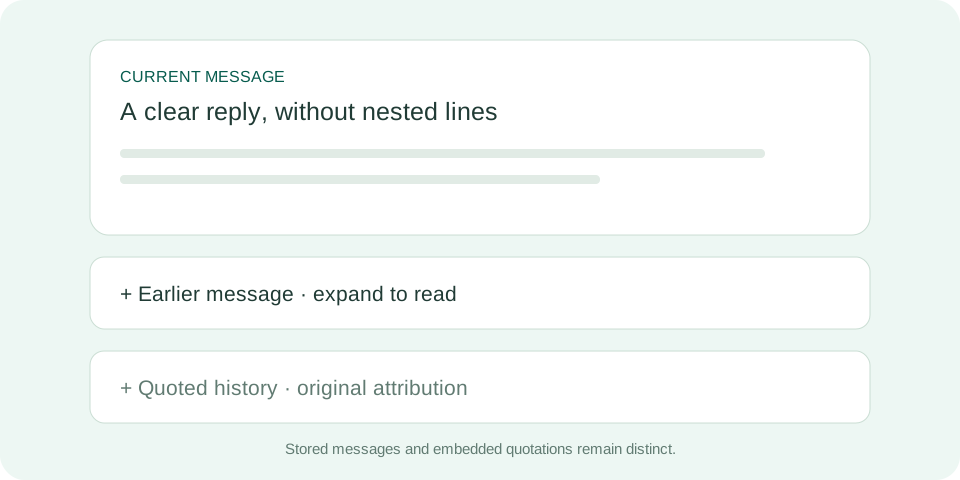
The reader shows the current message and can show related messages in the same mailbox. Expand an earlier message card to load its body and attachments. History quoted inside a message remains quoted content; it is not necessarily a separate message stored in your mailbox.
Why might history be incomplete?
Threading uses reply identifiers, not matching subjects alone. Imported mail or senders that change those identifiers may not join the same thread. Older mail can take time to index; a partial-coverage label means the view is not a complete history.
If a quotation looks wrong
- Expand the quotation cards you need instead of reading every nested reply at once.
- Use the reader’s original-message recovery control if quotation interpretation does not fit the message.
- When reporting a problem, keep the subject and arrival time and redact sensitive details from shared screenshots.